




01 · Organise ingredients
Keep compositions, allergens and supplier specifications in one consistent archive.
SOFTWARE FOR FOOD PRODUCERS
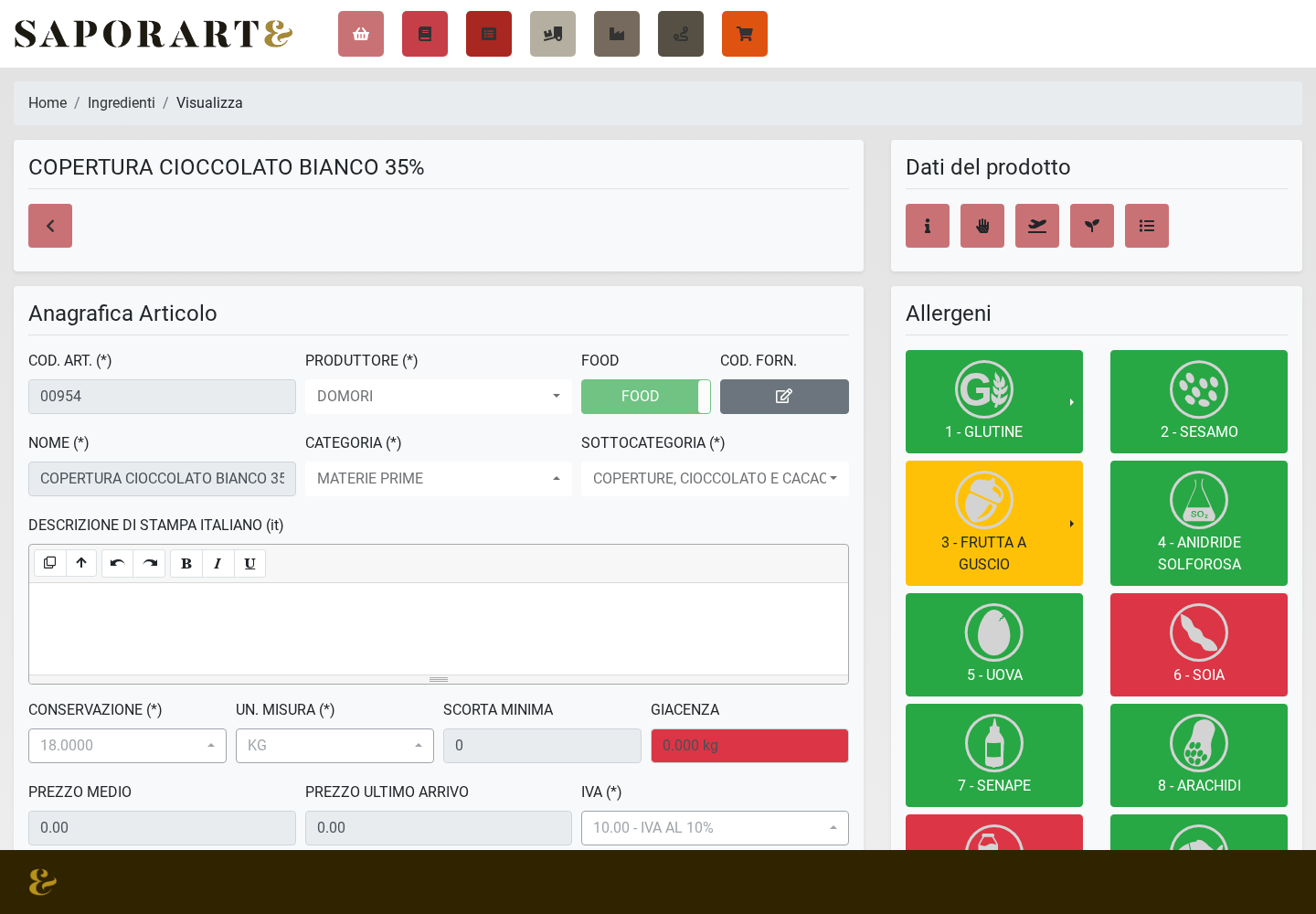
Upload technical PDF sheets: Saporarte® AI creates ingredients with nutritional values and allergens without retyping the data. Recipes, labels and the ingredient book use the reviewed information.
For pastry shops, bakeries, ice cream makers and catering
The risk
Allergen information concerns consumer safety. Missing data or an unrecorded substitution matters even when the finished product looks the same.
SAPORARTE® / WORKFLOW
Keep compositions, allergens and supplier specifications in one consistent archive.
Use the same source data for recipes, food cost, ingredient books and labels.
Check information before printing. Dedicated modules connect production, stock and batches.
The software supports your work. Accurate data, checks and food business responsibilities remain with the operator.
Start with the ingredients, recipes and documents you already have. The Saporarte® database lets you import ingredients, nutritional values and allergens automatically. With Saporarte® AI, upload a technical data sheet PDF to capture the information without retyping it; always check imported data.
No. It helps organise information and generate consistent documents. Compliance, input data and procedures must be checked by the operator and, where needed, their advisers.
Yes. Upload the PDF and Saporarte® AI reads available data, creates the ingredient and imports nutrition and allergen information for your review.
Update the ingredient record and review the affected recipe. Saporarte® links ingredient data to recipes, labels and the ingredient book so you can check information before publishing.

Register for free: your requested licence starts with a free trial period. Try the software and, if you wish, book a demo directly from inside it.